Quick Guide
- Catto Pew Pew! fully supports VR on Steam, including crossplay with flatscreen players.
- Play with Meta Quest 2 and 3 headsets using Steam Link for a connected PC VR experience.
- Dive into "Monke Mode" in VR for unique arm-swinging parkour movement.
- Ensure your PC meets recommended specs for a smooth VR experience.
Ready to leap into a world of physics-based chaos with adorable, weapon-wielding cats? Catto Pew Pew! delivers just that, and a common question among potential players is whether this action-packed title is Catto Pew Pew! Steam VR supported. The good news is, it absolutely is, offering a unique virtual reality experience alongside its flatscreen counterpart. This guide will walk you through the VR support details, setup expectations, and what makes the VR gameplay so distinct.
Is Catto Pew Pew! Steam VR Supported?
Yes, Catto Pew Pew! offers full VR support on Steam, allowing players to jump into the fray using compatible VR headsets. This means you can experience the game's competitive, physics-driven shooter action from a truly immersive perspective. The developers have ensured that VR players aren't left out, integrating them seamlessly with the flatscreen community through robust crossplay functionality.
Specifically, the game officially supports Meta Quest 2 and Meta Quest 3 headsets when connected to your PC via Steam Link. While other PC VR headsets may also work, the Meta Quest line is explicitly mentioned for its compatibility through this method. This commitment to cross-platform play ensures that whether you're swinging your arms in VR or aiming with a mouse and keyboard, everyone can enjoy the chaotic fun together.
Setting Up Catto Pew Pew! for Steam VR
Getting Catto Pew Pew! running in VR on Steam involves a few straightforward steps, primarily focusing on connecting your VR headset to your PC.
First, ensure your Meta Quest 2 or 3 headset is properly set up with Steam Link (or another PC VR streaming solution like Virtual Desktop or an Air Link/Link Cable connection). This software bridges your headset to your gaming PC, allowing you to access your Steam VR library.
Next, consider your PC's hardware. While the minimum system requirements for Catto Pew Pew! (Intel i5 4th Gen, 8 GB RAM, GT 1030) are suitable for flatscreen play, VR demands more processing power. The developers specifically tested VR mode using an Intel i7-9700 processor and an NVIDIA GTX 1660 Ti graphics card. For a smooth, enjoyable VR experience, aiming for these or higher specifications is highly recommended.
Finally, upon launching the game, you'll be prompted to create or log in to a third-party Catto Pew Pew! Account System. This is a prerequisite for all players, regardless of whether you're playing in VR or on a flatscreen, and is essential for accessing the game's features and crossplay capabilities.
For the best VR performance in Catto Pew Pew!, prioritize a strong, stable Wi-Fi connection if using wireless Steam Link, and ensure your PC meets or exceeds the recommended VR test specs (i7-9700, GTX 1660 Ti).
The VR Experience: Dive into Monke Mode
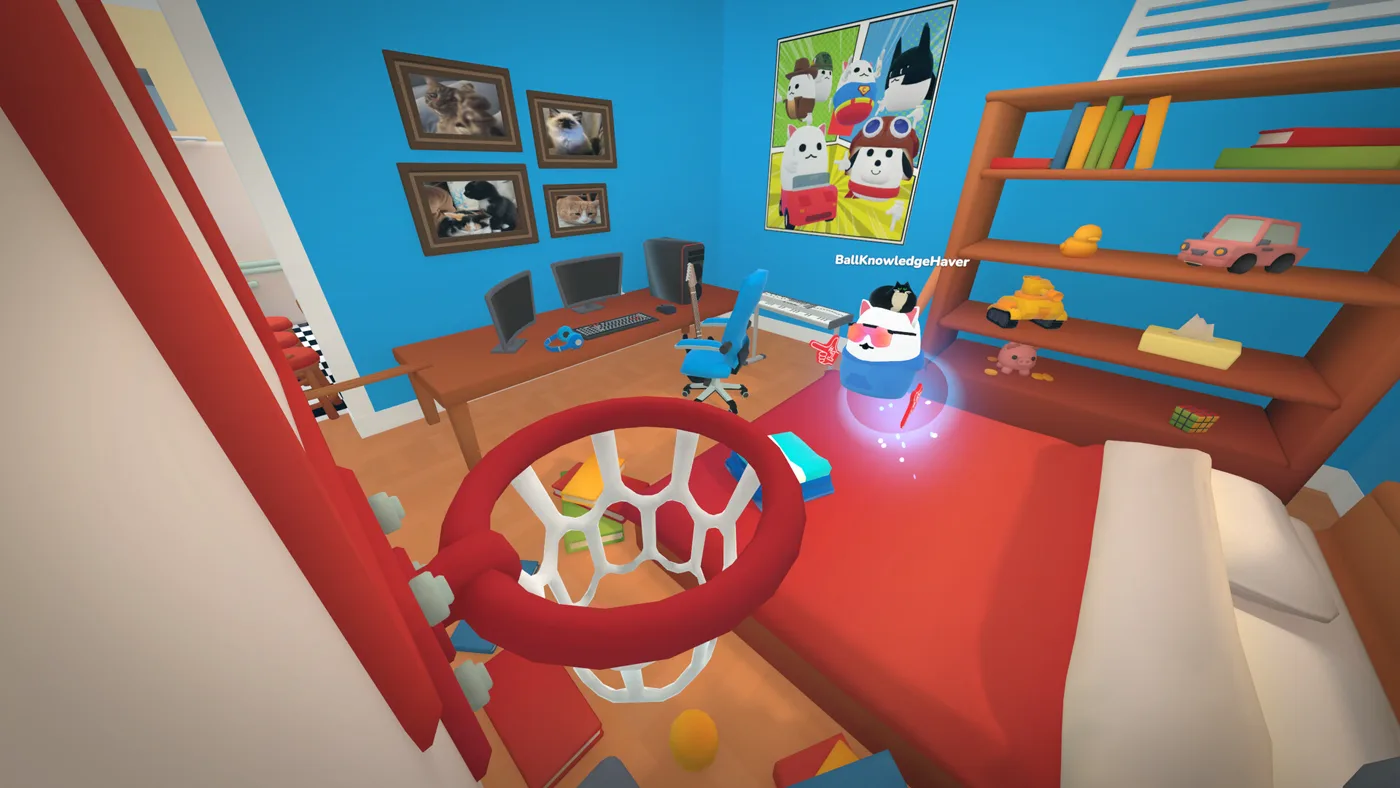
Playing Catto Pew Pew! in VR offers a distinct and highly physical experience, largely thanks to its unique "Monke Mode." Instead of traditional joystick locomotion, Monke Mode allows VR players to parkour around the arenas by swinging their arms, mimicking the agile movements of a monkey. This adds an entirely new layer of immersion and physicality to the game's fast-paced combat.
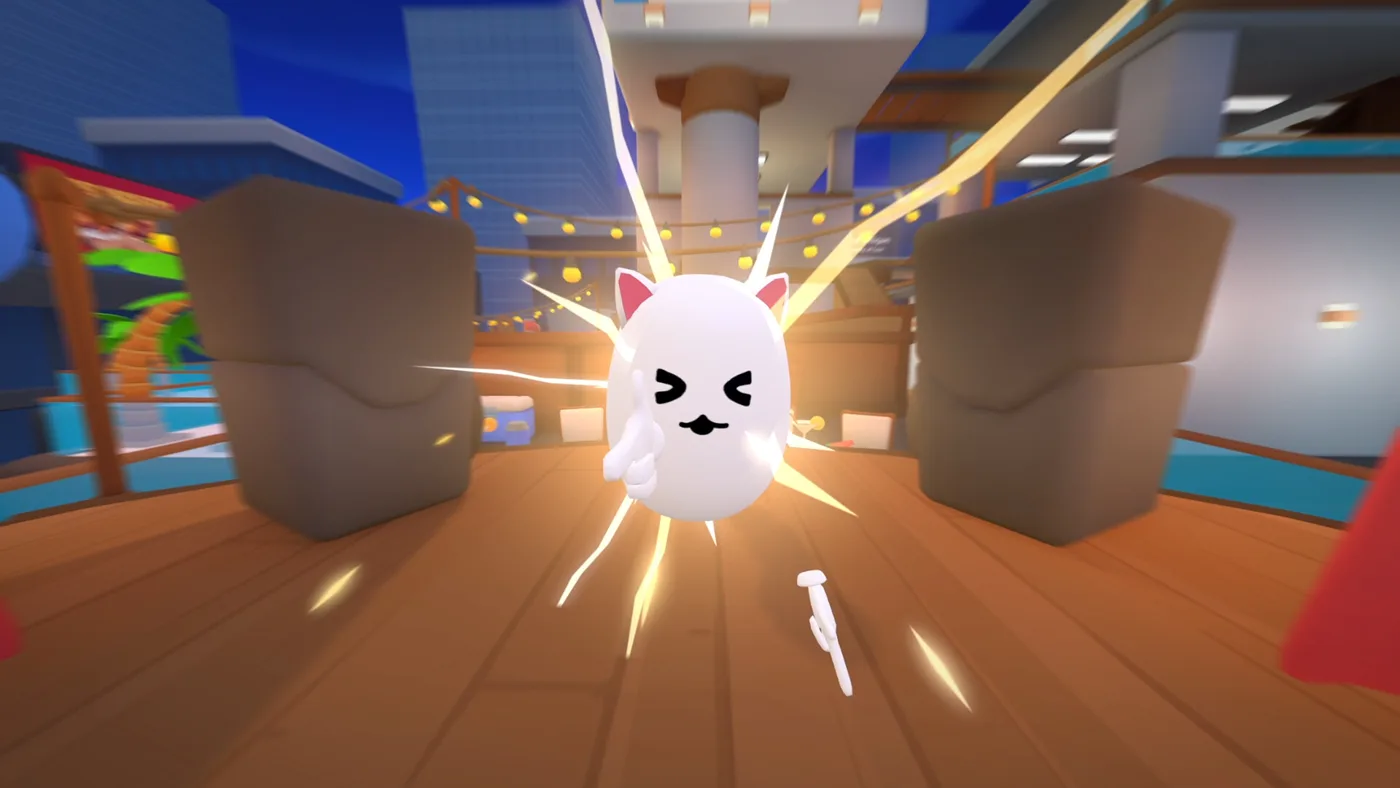
Imagine swinging your way across platforms, dodging incoming fire, and launching opponents into the sky with a satisfying "pew pew!" – all with your own physical movements. The game's physics-based shooting translates well to VR, making each shot feel impactful. Combined with proximity chat, the VR experience can become incredibly chaotic and engaging, as you interact directly with other players in the heat of battle.
Crossplay and Community in Catto Pew Pew! VR
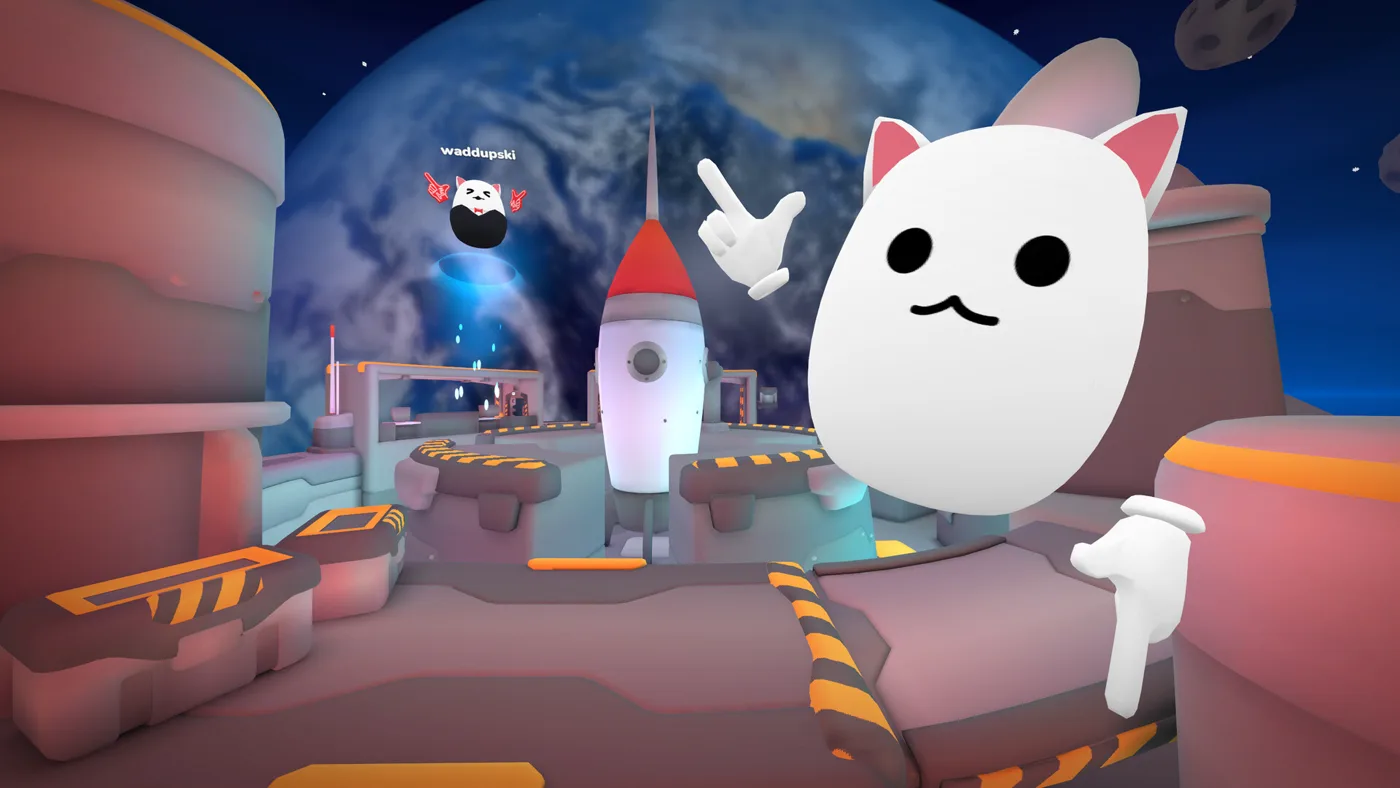
One of the standout features of Catto Pew Pew! is its seamless crossplay between VR and flatscreen players. This means you'll always find opponents and teammates, regardless of your chosen platform. The community has shown strong support for the game, as evidenced by its "Mostly Positive" overall reviews on Steam.
Being a free-to-play title, Catto Pew Pew! lowers the barrier to entry, inviting a broad audience to experience its unique blend of competitive gameplay and silly fun. The crossplay feature is crucial here, fostering a larger and more active player base that benefits both VR and flatscreen enthusiasts. Whether you're climbing the ranks as an ultimate Catto Competitor or just looking for some casual, physics-based mayhem, the game's supportive community and accessible nature make it a compelling choice.
Optimizing Your Catto Pew Pew! VR Performance
To ensure the smoothest possible experience when playing Catto Pew Pew! in VR, optimizing your setup is key. As mentioned, VR is more demanding on hardware. Beyond the tested specs (i7-9700, GTX 1660 Ti), keeping your graphics drivers updated is always a good practice.
Adjusting in-game graphics settings can also make a significant difference. If you experience lag or stuttering, try lowering settings like resolution, texture quality, or anti-aliasing. Experiment with these options to find the best balance between visual fidelity and performance for your specific hardware. A stable internet connection is also vital, especially for a competitive online game, to minimize latency and ensure responsive gameplay.
For the most current and detailed system requirements, always refer to the official Catto Pew Pew! Steam store page.
FAQ
Is Catto Pew Pew! Steam VR supported for all headsets?
Catto Pew Pew! officially confirms VR support for Meta Quest 2 and Meta Quest 3 headsets via Steam Link. While other PC VR headsets might work, these are the specifically tested and supported options.
What kind of movement does Catto Pew Pew! VR offer?
In VR, Catto Pew Pew! features "Monke Mode," which allows players to move by swinging their arms, providing a highly physical and immersive parkour-style locomotion experience.
Do I need a powerful PC to play Catto Pew Pew! in VR?
For an optimal VR experience, it's recommended your PC meets or exceeds the specifications used for VR testing: an Intel i7-9700 processor and an NVIDIA GTX 1660 Ti graphics card. This is higher than the minimum requirements for flatscreen play.
Can VR players compete against flatscreen players in Catto Pew Pew!?
Yes, Catto Pew Pew! features full crossplay, allowing VR players and flatscreen players to compete and interact in the same matches, fostering a unified and active community.